
What's New: A Signing Portal for Your People
Updated
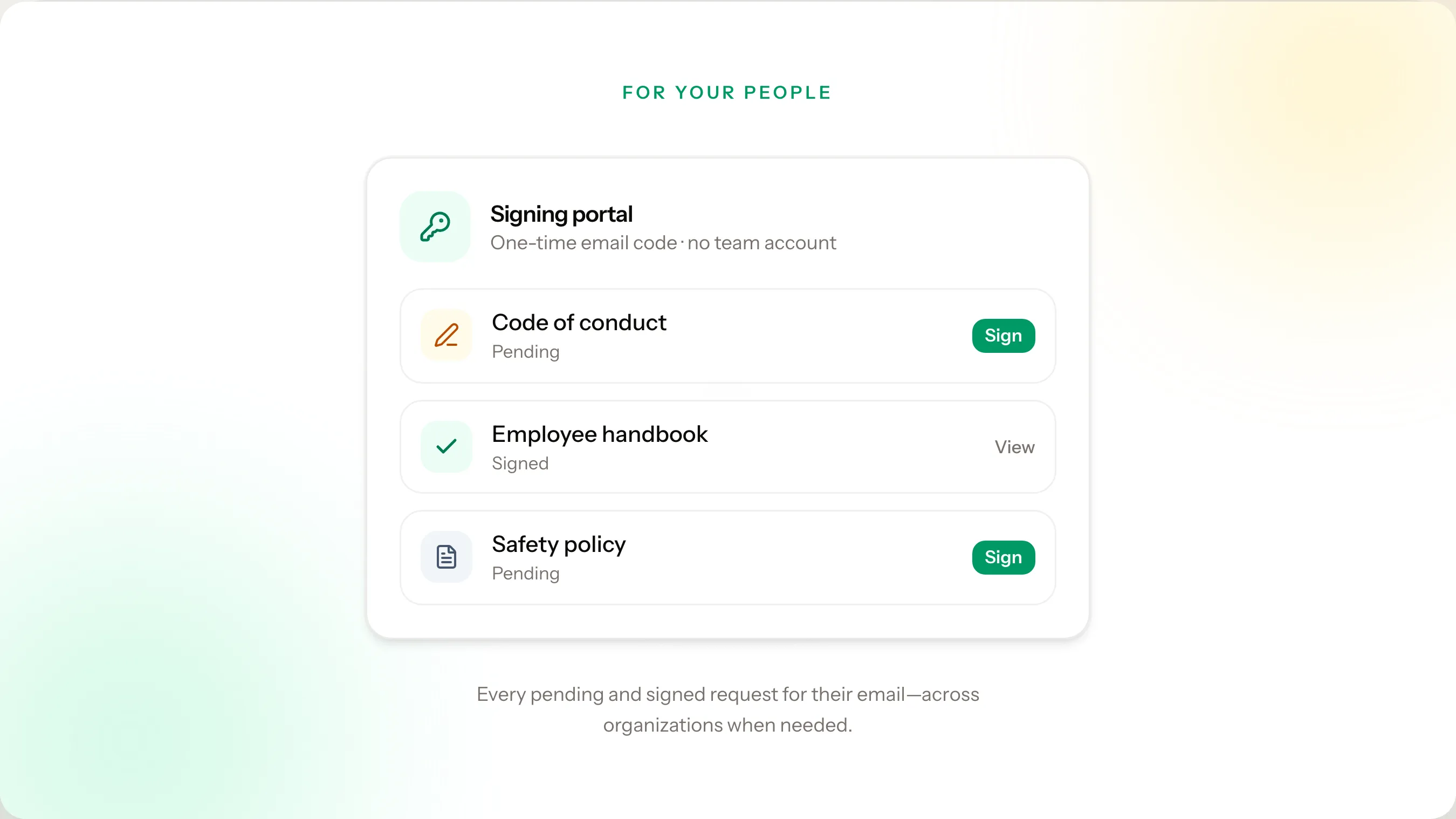
TL;DR: Copy your organization’s signing portal link from Branding and post it. People see your logo, enter the email where they get requests, and confirm with a one-time code. They can finish what is waiting and open what they already signed. Request emails still open a document directly. No team member account.
Updated September 24, 2026.
When you send a document request, each person still gets a personal email link. They open the document, type a name, and they are done. Nobody needs the portal link to sign.
The portal is the link you can hand them when they lose an email, have several documents waiting, or you want one address on your website.
Your link
In Settings, under Organization, open Branding. The link is under the preview.
It opens your organization’s sign-in page. People see your logo and name, then enter their email and a one-time code. The ClearPolicy name stays in the footer.
Post it where they already look: your website, a newsletter, or an internal site.
go.clearpolicy.app is the same portal without an organization on the page. Use it when someone was not handed your link. Here to sign a document? on the team Log in and Register pages goes there too.
What they see
After the code, they are in your portal:
- To sign — requests that still need a signature. Sign opens the same page as the email link.
- Documents — policies and files from your organization, including copies they have already signed. Open opens the latest signed copy.
If that email has requests from more than one organization, they switch organization in the header. That is not a second login.
Expired and canceled requests do not appear. Documents you assigned but never requested do not appear either.
Completions still produce the same records and certificates. Paper on file still appears when a team member recorded a paper signature.
Tell your people
Open the link we shared, enter the email where you get our document requests, and use the one-time code we send. You’ll see anything that still needs your signature, and documents you have already signed. No ClearPolicy account needed. You do not need this link to sign a request we email you.
Learn more
Know who signed — and document who did not
Track policy acknowledgments with sent and viewed timestamps, reminders, and audit-ready records.
No credit card required.